Keep an eye on

Spots

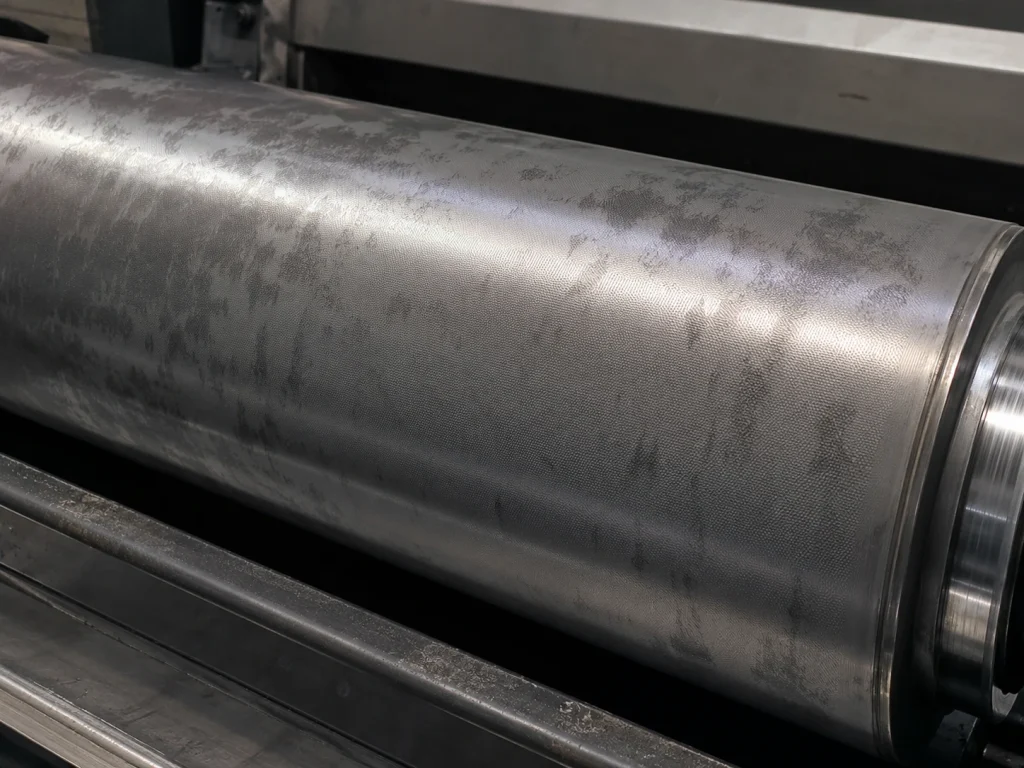
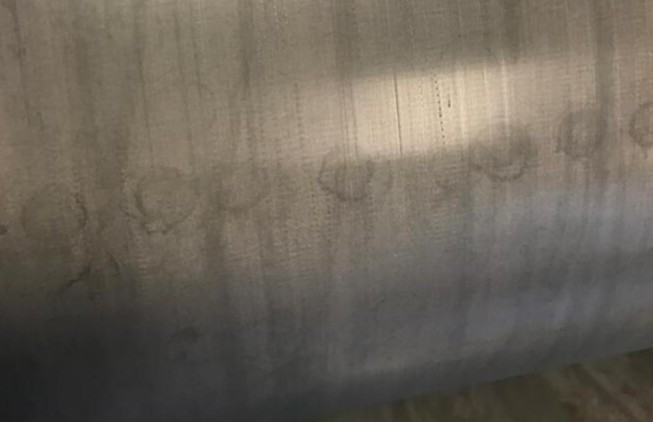
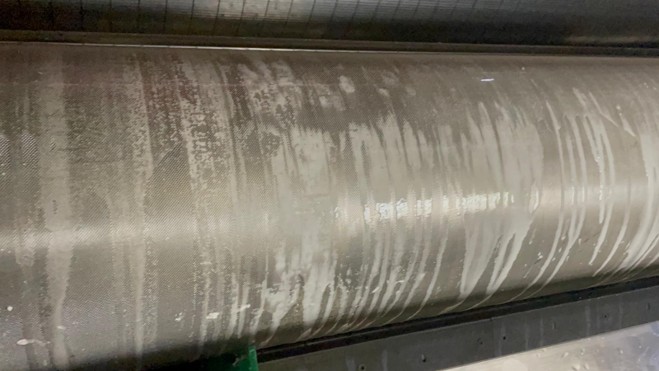
Spots appear as irregular, blurry, or cloudy areas on the anilox surface. They vary in size and shape and are sometimes difficult to see without oblique lighting or close inspection. They indicate the presence of residue that affects cell volume and print consistency.

Spots on the anilox roller
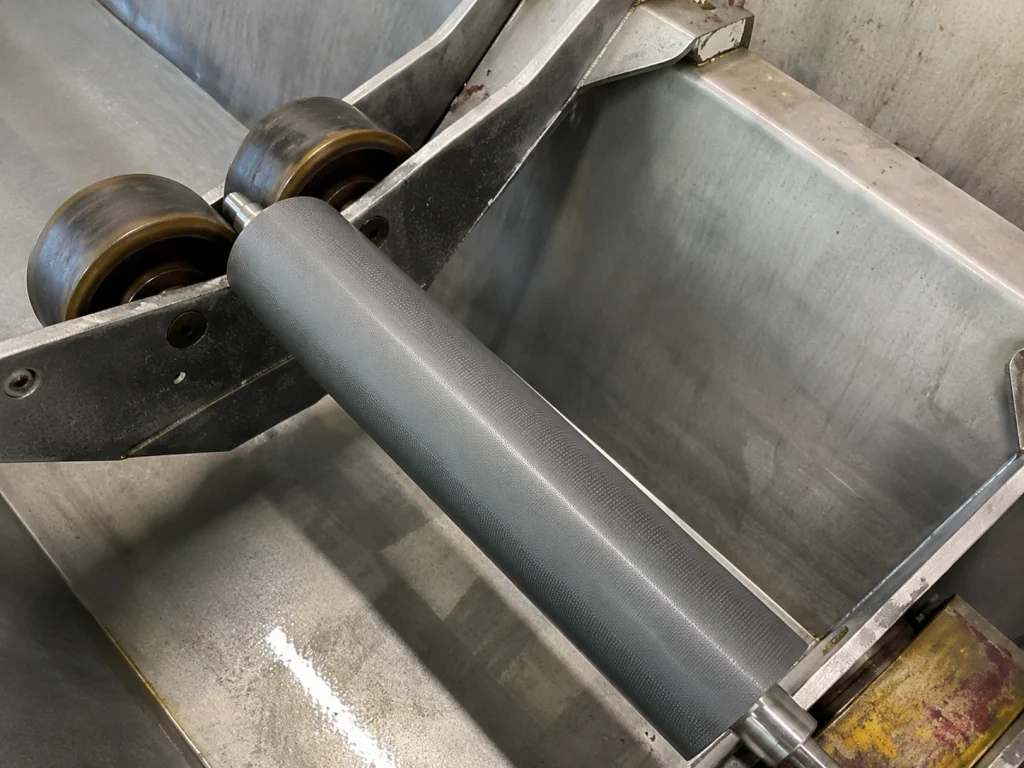
Result after cleaning
How does it arise?
  • Build-up of dried ink, coating residue, or crystallization of cleaning solution inside the cells or on the surface.
  • Often caused by insufficient rinsing or ineffective daily cleaning.
What to do.
  • Perform additional manual cleaning to remove any remaining deposits.
  • Check for physical damage. If there is visible damage, consider repair or restoration.
How to use it?
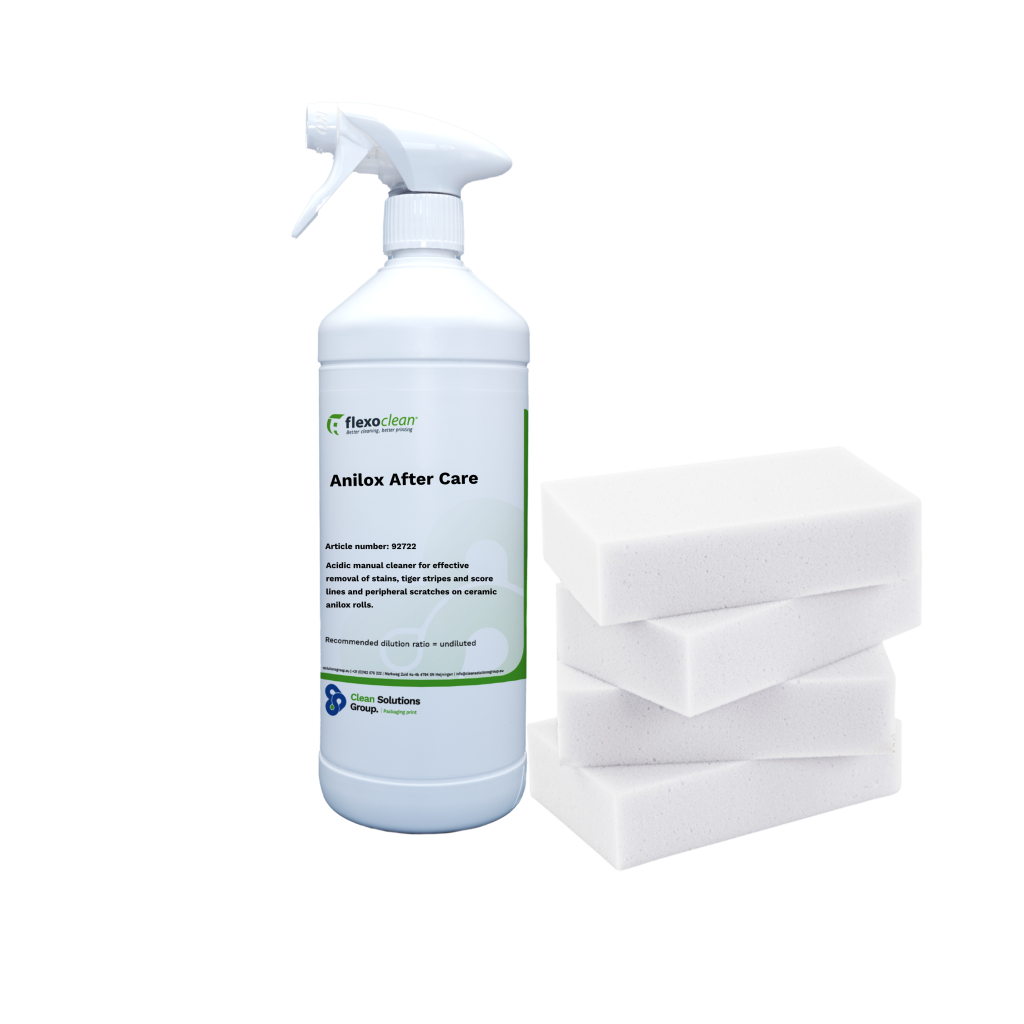
  1. Apply Anilox After Care to the soiled anilox roller and rub it in thoroughly using the Power Sponge.
  2. Let the Anilox After Care soak in for 10 to 15 minutes, and then treat the roller again with the power sponge.
  3. Rinse the roller thoroughly with plenty of clean water, or, if possible, use a high-pressure wash.
  4. Then dry the roller with a clean cloth.

Depending on the degree of soiling, it may be necessary to repeat the steps above once or several times.

Note: Prevent Anilox After Care from drying on the anilox roller. Dried product can cause contaminants to harden again, unnecessarily slowing down the cleaning process.

Recommended Product

Flexoclean Anilox Aftercare

Specialized cleaner for periodic manual cleaning. Use with a suitable Flexoclean sponge or pad.

Flexoclean Anilox After Care with Power Sponge

Always wear the appropriate personal protective equipment (PPE) when using cleaning products.

Cleaning Process & Results

After manual cleaning, the surface should be smooth and stain-free. Are there still stains? Repeat the process or contact our technical support.

Tip – Prevent new stains from forming by rinsing thoroughly every day and using soft water whenever possible.

Related issues

Keep an eye on

Keep an eye on

Lime

Round, chalky droplets arranged in horizontal lines.

Keep an eye on

Starch

A dull, tough layer that reduces cell volume.

Keep an eye on

Aluminum

Dull, grayish streaks or a metallic sheen.

act immediately

cannot be cleaned

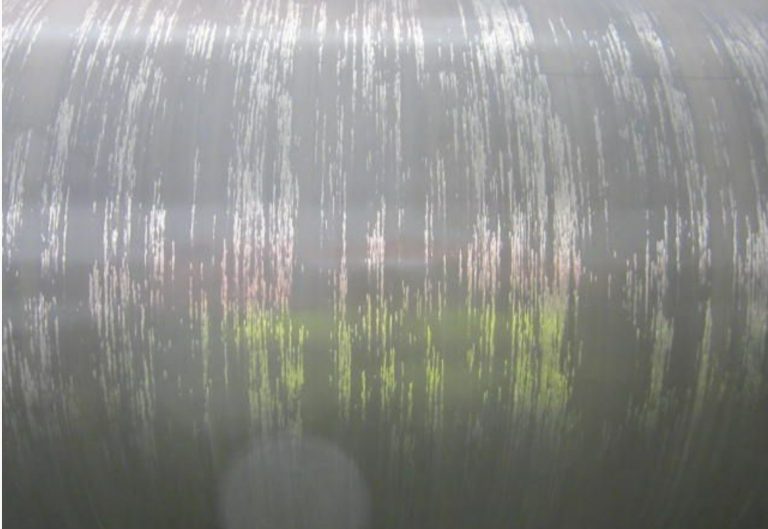
Fine scratches on anilox rolls that negatively influence print quality
Take immediate action

Tiger stripes

Fine, parallel scratches on the rolling surface.

Take immediate action

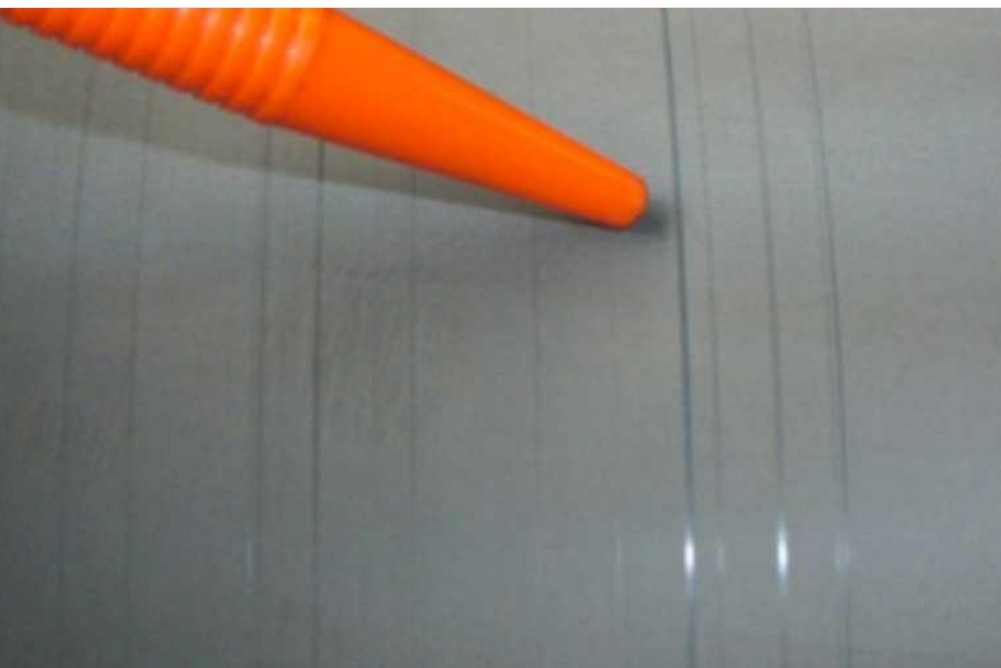
Score lines

Thin lines running across the print or roll.

Cannot be cleaned

(Under)corrosion

Dull, pitted areas; permanent damage.

Are you unsure about the condition of your anilox roller?

Please contact us if the print quality deteriorates, if cleaning does not yield satisfactory results, or if you suspect that the surface is damaged. We’ll help you pinpoint the problem and work with you to determine the best course of action: targeted cleaning, inspection, repair, or replacement.

Please include the following, if possible
Photos of the roll
An example of the printed image
The inks used
The final cleaning steps

This allows us to make the initial assessment faster and more targeted.